Grades 1 to 7 · Live one-to-one classes with an AI teacher
The US, Canadian or Cambridge curriculum, right at home.
Wherever you live, your child can follow an internationally recognised curriculum in live classes with an AI teacher of their own, who teaches, asks, listens and answers in real time, like a real class but one to one and at just the right level. You get a clear report after every lesson.
Already joined? Sign in
No invite code? Join the waitlist
Three curricula, one family: pick one for each child.
Live classes
A real class, live and one to one
Every class is live, by voice. Your child and their AI teacher talk in real time, like a good teacher with one student: the teacher teaches, asks, listens, answers your child's questions and changes course as they go, following a lesson from your child's curriculum.
Teaches on the board
The teacher explains each idea step by step, and pictures, models and the teacher's own writing appear on the board as they talk.
Talks in real time
Teacher and child talk voice to voice, like a phone call. The teacher asks, waits while your child thinks, and replies to what they actually said.
Answers your child's questions
Your child can ask about the lesson at any moment and gets an answer right away, explained another way if the first one didn't click.
Your child can jump in
Raise a hand, say "I don't get it" or "slower, please", or just start talking: the teacher stops, listens and follows your child.
Watch a demo class
Three short classes, one each for the lower, middle and upper grades. The lessons are real lessons; the students are made up and voiced by AI, and each teacher speaks in the voice they have in class.
- Lower gradesThe Long o TeamGrade 1 · English Language ArtsMs. Carter AI teacherwith Leo · about 6 minWatch
- Middle gradesComparing FractionsGrade 4 · MathMr. Thompson AI teacherwith Mia · about 4 minWatch
- Upper gradesThe Giant Pumpkin PuzzleGrade 5 · ScienceMs. Miller AI teacherwith Leo · about 5 minWatch
And in every class
Hints, not answers
When your child is stuck, the teacher gives a small hint, one step at a time, so the thinking stays theirs.
A report for you
After each lesson you get a short report: the learning goals, how your child did, and what comes next.
Mistakes are clues
The teacher never says "wrong". They talk about the thinking, so every answer is something to build on.
Stop and pick up later
Progress is saved as they go, so your child can stop and carry on another day.
Ms. Carter: The bus says 6. Three more bugs get on. How many now?
Mia: Six... seven, eight, nine! Nine bugs!
Ms. Carter: You started at 6 and counted on. That's the fast way!
Most lessons have four parts
1. Hook
A story, puzzle or question that makes your child want to find out.
2. Learn
The teacher shows the idea on the board, then they try it together.
3. Practice
Questions at the right level, with a small hint when your child is stuck.
4. Exit ticket
A quick check of what stuck. It goes straight into your report.
Why My Family School
AI teaches. Families raise.
A great teacher for every child, wherever they live.
The best way to learn has always been a great teacher for one child, and only a few families could have it. A classroom puts one teacher with many children at one pace. AI makes a teacher who knows your child possible for every family: one who remembers what they've learned, where they got stuck and what they love, teaches at their pace and talks with them every day. My Family School is that teacher, at home.
One to one
Their own teacher and their own pace. Nobody waits, nobody is left behind.
The world's curricula
You choose a recognised curriculum for each child, wherever your family lives.
Learning out loud
Your child talks every day, in stories, pictures and things that move, not by rote.
Curriculum
A curriculum for each child
You choose the curriculum each child follows, wherever your family lives: the same teacher and the same kind of class, following the outline you pick.
Open now
United States (Common Core + NGSS)
Common Core for math and English language arts, and NGSS for science: what most schools in the United States follow, with the US national frameworks for social studies, the arts, and PE and health. Lessons for Grades 1, 2, 3, 4, 5, 6 and 7 are open, with more on the way. The groups that wrote these standards don't endorse My Family School.
Open now
Canada · British Columbia
British Columbia's curriculum, grade by grade and subject by subject. Lessons for Grades 3 and 4 are open.
First lessons open
Cambridge International (UK)
Cambridge Primary's curriculum frameworks, which international schools follow around the world. Its first lessons, for the age of Grade 3, are open, with more on the way. My Family School isn't a Cambridge school.
Lessons open now
Math
30 lessons- 1Adding and Subtracting Within 103
- 2Story Problems3
- 3Adding and Subtracting Within 203
- 4Counting to 1203
- 5Tens and Ones3
- 6Adding and Subtracting Tens3
- 7Measuring Length3
- 8Telling Time3
- 9Sorting and Graphs3
- 10Shapes and Equal Shares3
English Language Arts
30 lessons- 1Sounds and Stories3
- 2Short Vowel Words3
- 3Characters, Settings and Events3
- 4Retelling and the Lesson of a Story3
- 5Digraphs and Long Vowels3
- 6Learning from Nonfiction3
- 7Telling and Writing Our Stories3
- 8Opinions: I Think … Because3
- 9Word Meanings and Poems3
- 10Reading Aloud Smoothly3
Science
15 lessons- 1Sound and Light3
- 2Sending Messages with Light and Sound3
- 3Plant and Animal Parts3
- 4Parents and Their Young3
- 5Patterns in the Sky3
Social Studies
18 lessons- 1Rules and Roles3
- 2Families Then and Now3
- 3Maps of My World3
- 4Needs, Wants and Choices3
- 5Goods, Services and Workers3
- 6Places, Weather and How People Live3
Arts Education
18 lessons- 1Music All Around3
- 2Lines, Shapes and Colors3
- 3Dance: Moving to Music3
- 4Drama: Pretend and Play3
- 5Art from Everyday Things3
- 6Songs Around the World3
Physical and Health Education
18 lessons- 1Moving Safely3
- 2Healthy Habits: Hands, Sleep and Water3
- 3My Busy Heart3
- 4Toss, Catch and Kick3
- 5Food for Energy3
- 6Staying Safe3
Grade 1: 6 subjects · 129 lessons
See every Grade 1 lesson →More grades and subjects are being added.
Lessons are drafts until a certified teacher reviews them.
Picture books
Picture books that move
Many lessons are picture-book classes: a story whose pictures move as the teacher reads it with your child. Your child reads the words aloud, taps things on the page and earns a sticker for each page of questions. There are picture books in every subject, from Grade 1 to Grade 5.
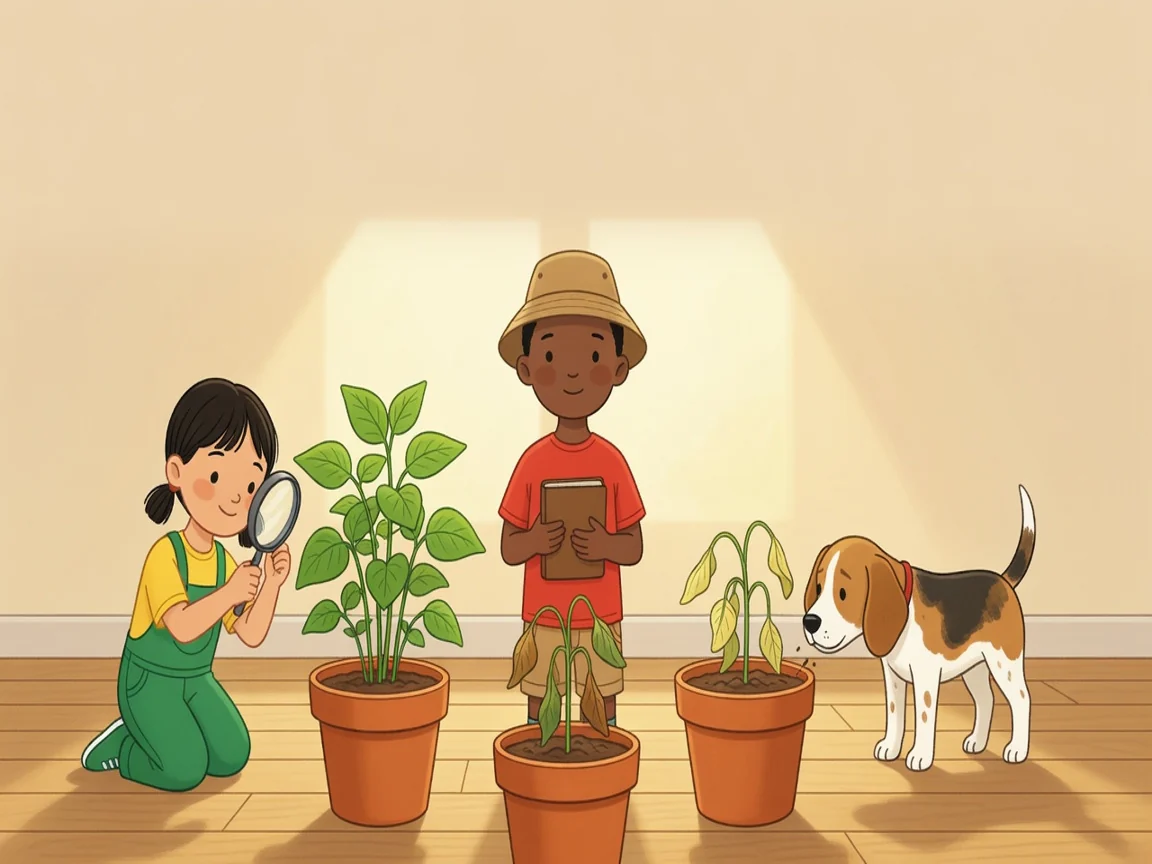
The Case of the Droopy Beans
Grade 2 · Science
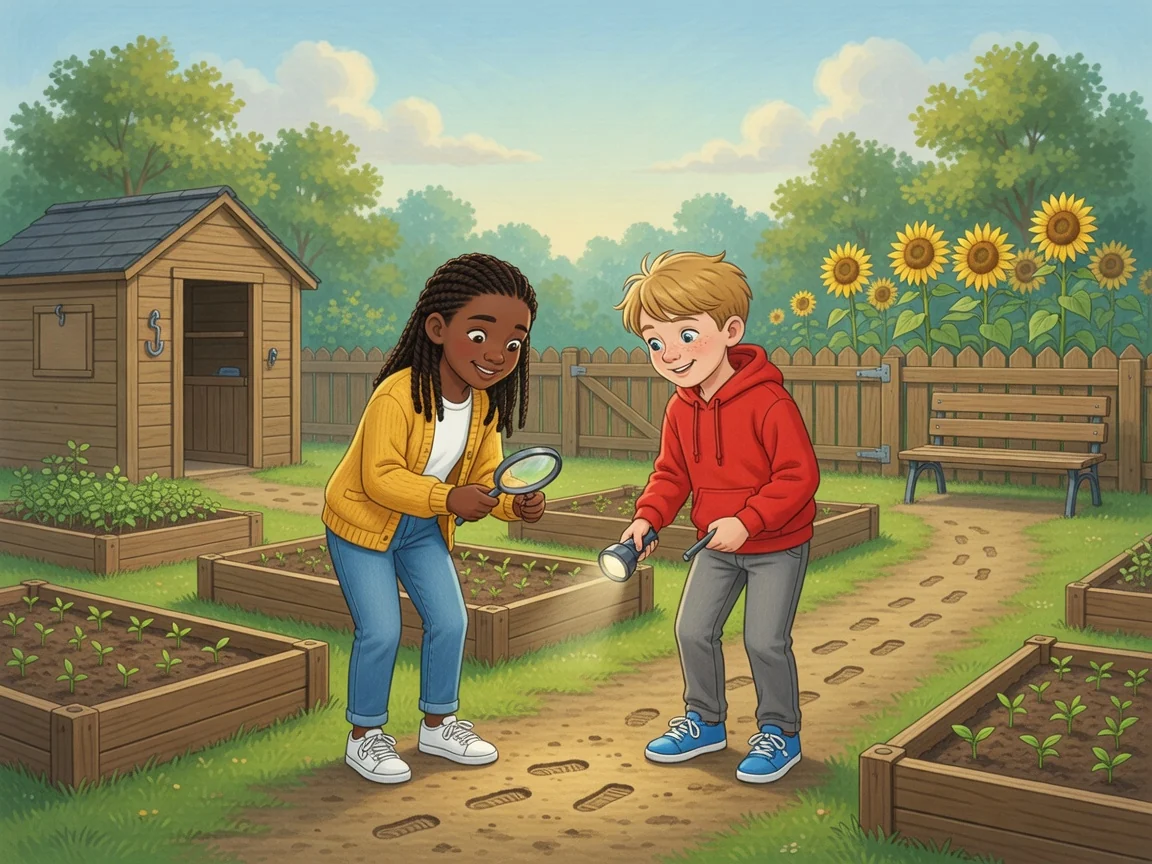
The Case of the Missing Trowel
Grade 4 · English Language Arts
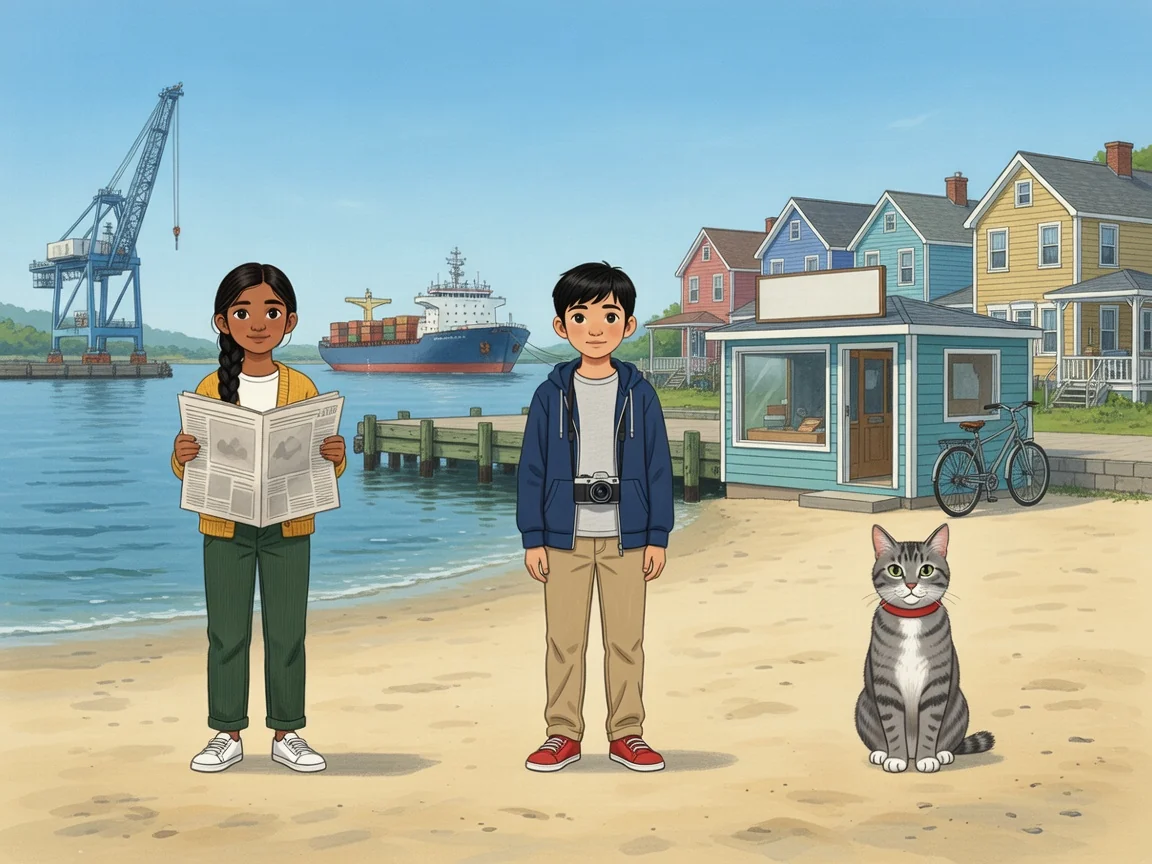
Front Page News
Grade 5 · Social Studies
Sleep Tight, Bo!
Grade 1 · Physical and Health Education
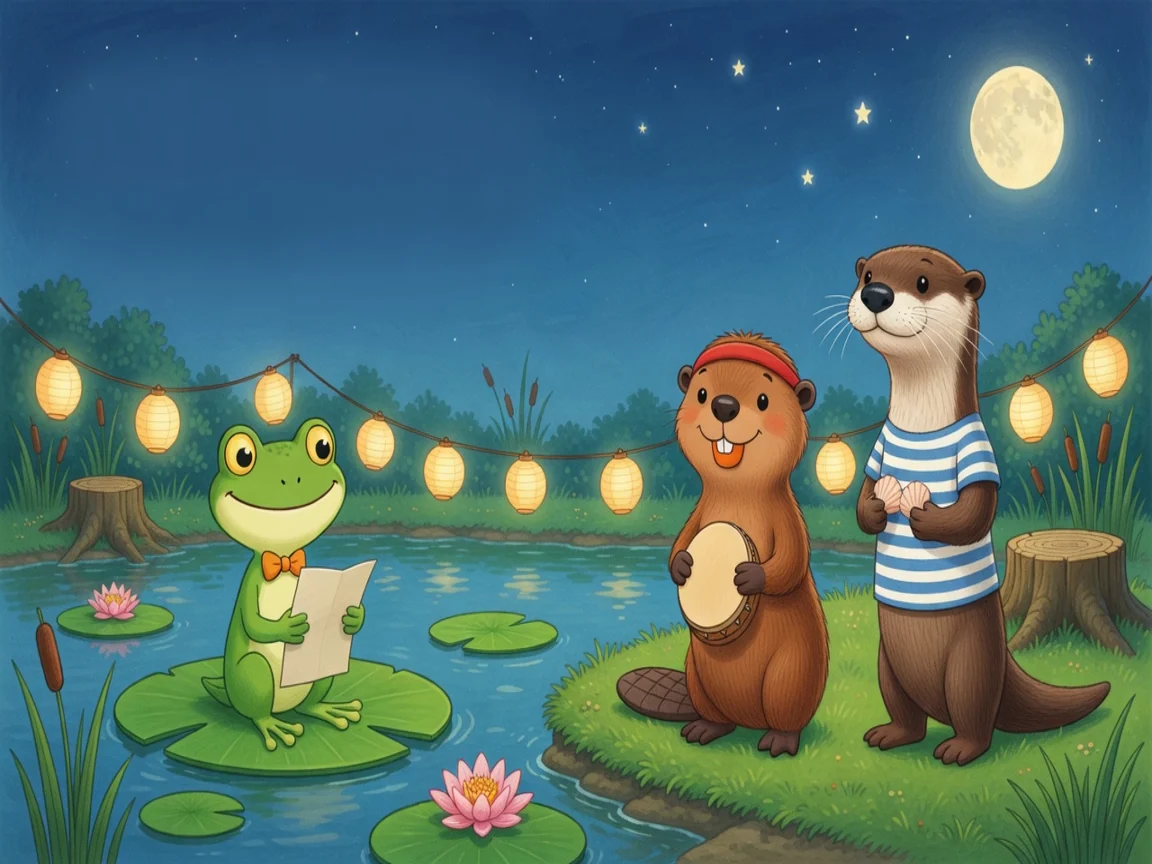
The Moon Party Rhythm
Grade 2 · Arts Education
The Bug Bus
Grade 1 · Math
Each unit also has a book of its own, with a page for every lesson your child finishes, to read together or print.
Teachers
Meet the teachers
Choose from ten AI teachers, each with their own voice and way of explaining. Any of them can teach any lesson. You pick one for each child, and after you join you can listen to each of them first.
Ms. Carter
AI teacherWarm and friendly, with a gentle sense of humour.
Ms. Miller
AI teacherGentle and patient. Never in a hurry.
Ms. Taylor
AI teacherWarm and reassuring. Makes mistakes feel safe.
Ms. Anderson
AI teacherCheerful and lively. Great with the youngest learners.
Ms. Bennett
AI teacherCalm and soothing. A quiet, steady pace.
Mr. Thompson
AI teacherCalm and clear. Explains one step at a time.
Mr. Cooper
AI teacherBright and curious. Loves a good puzzle.
Mr. Wilson
AI teacherEnergetic and encouraging. Cheers every step forward.
Mr. Parker
AI teacherClear and steady. Suits older students.
Mr. Hughes
AI teacherSmooth and unhurried. Gives time to think.
For parents
You stay in charge
One page shows every child: today's classes, the week ahead, and anything that needs you.
A week planned for you
Each child gets a plan for the week, on the days you choose and within the time you set for a day. Add days off, pin a lesson to a day or move a subject, and the plan fits around it.
At their own level
Each subject follows its own learning line, starting from the grade you choose for it. Mark what your child already knows, and it's skipped.
A report after every lesson
The learning goals, how your child did and what comes next, lesson by lesson.
Your family's rules
Pick a teacher for each child, and choose whether your child may pick their own lessons or follows the plan.
Safety and privacy
Safety and privacy
What we keep, what the teacher will and won't do, and what you see as a parent.
More on safety and privacyPrivacy PolicyHow voice classes work
Only parents open accounts
A parent creates the family account and adds each child, with just a first name or nickname and a grade: no last name, birthday or photo. Children never sign up, and never type an email or password.
An AI that says so
If your child asks, the teacher says plainly that it's an AI. It never asks for personal information like an address, school, phone number or photos.
If your child may be unsafe
If your child says they're hurt, unsafe or being bullied, the teacher answers kindly and tells them to talk to a grown-up they trust. It also flags it for a person on our team, with what was said around it, so they can follow up.
What a class keeps
Each class saves your child's progress and a record of when it ran, and each finished lesson a report for you that includes a few of their own words, like an idea they explained. During class, your child's voice goes to our AI voice provider so the teacher can hear and answer.
Questions
Questions parents ask
Is My Family School a school?
No. The name is about where the learning happens: at home, with your family. My Family School gives AI one-on-one lessons built around the curriculum you choose, with a plan and reports for you, but it isn't a school. It doesn't give marks or credits, and it doesn't replace your child's school or teacher.
What does it cost?
Nothing for now, and we don't ask for payment details. Once class hours go on sale, a family buys them in packs, whenever it needs them, shared by its children. They don't expire, there's no subscription, and you agree to the terms before paying anything. A new family's first class may be on us, with some free class time to start. The pricing page shows the packs, and how much free time there is, if any.
How do we join?
For now, My Family School is invite-only, for the families we invite, wherever it isn't prohibited by law. A parent or guardian who is an adult (the age of majority where you live) opens the family account with the invite code from the invitation, then adds each child. No invite code? Join the waitlist.
How long is a class?
Lessons are planned for 20 to 40 minutes. Each class also has a time limit: when it's reached before the lesson is done, the teacher wraps up kindly and saves your child's place for next time, and you get the report when they finish the lesson. Your child can stop partway and pick up later where they left off, for up to 30 days.
What do we need?
A computer or tablet with a microphone, and a quiet place. The device's speakers or wired headphones sound best: Bluetooth headphones can make the teacher sound like a phone call. Before class, your child rings a bell to check the sound. The first time on a device, and about once a week after that, they also say hello to check the microphone, and the browser may ask you to allow it. Class turns on the microphone; the camera stays off.
Get started
Give your child a teacher of their own
Create a family account, add each child, and choose their curriculum and teacher. Families join by invitation for now: your invitation has the code you sign up with.
Already joined? Sign in
No invite code? Join the waitlist